Starter
Free
A simple place to begin.
- Up to 5 fresh dinner ideas per week
- Keep your pantry on this iPhone
- Save favorites and browse recipes
Good food. Brighter days.
Plan meals. Shop smarter. Cook better.
Turn what you already have into dinner. Add or scan your pantry, approve a meal, and shop for what’s missing.
Free to download. Flow is $5.99 per month through Apple.
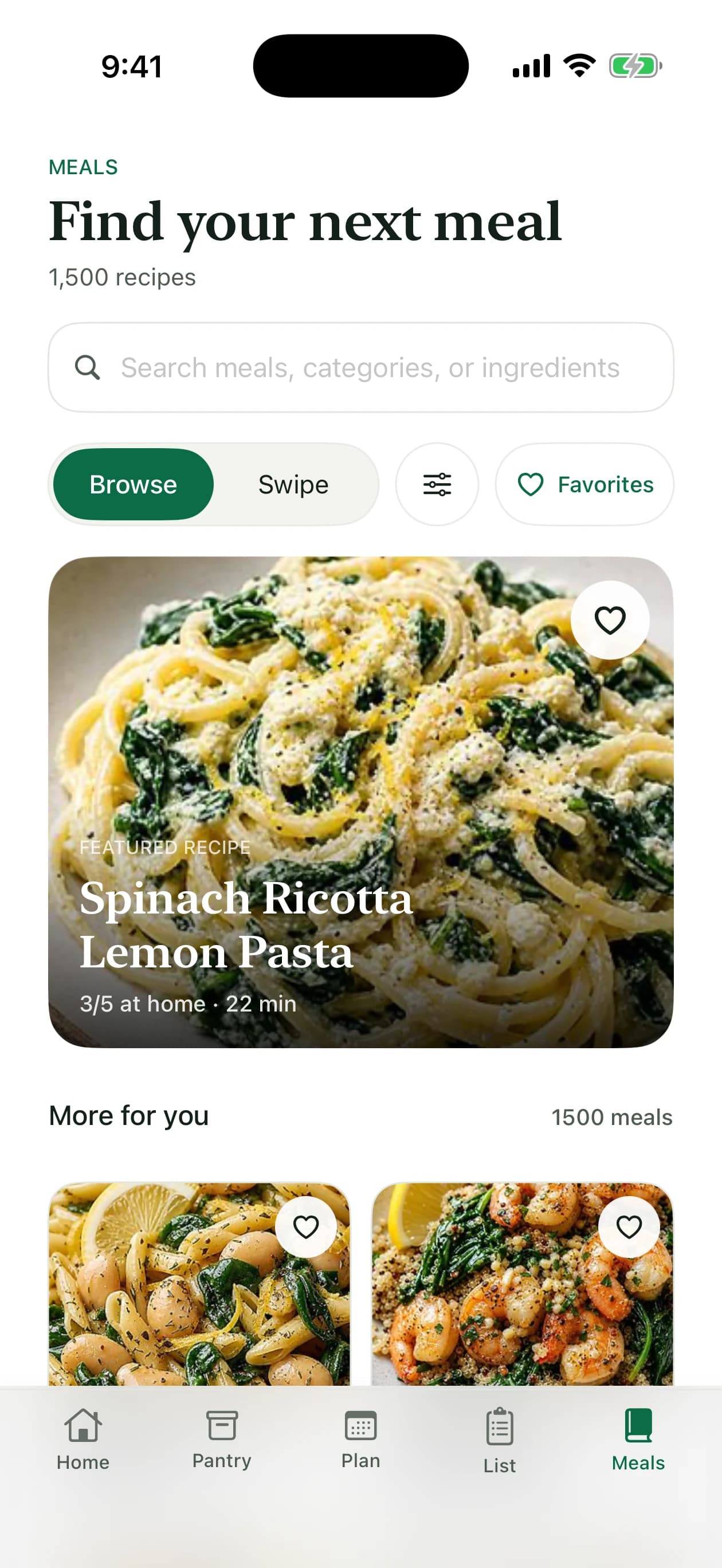
From what’s home to what’s for dinner
Find meals with what’s at home, review your shopping list, and cook one step at a time. Preview of the latest app design.
Free to download · Optional Flow subscription
A taste of how it works
You’ve already bought a head start. Let’s use it.
An interactive example. Your own meals and pantry live in the app.
Find dinner in your kitchenLess planning. More cooking.
A few ingredients are enough. Add the things you want to use, then build from there.
Manual entry is free. Photo capture is included with Flow.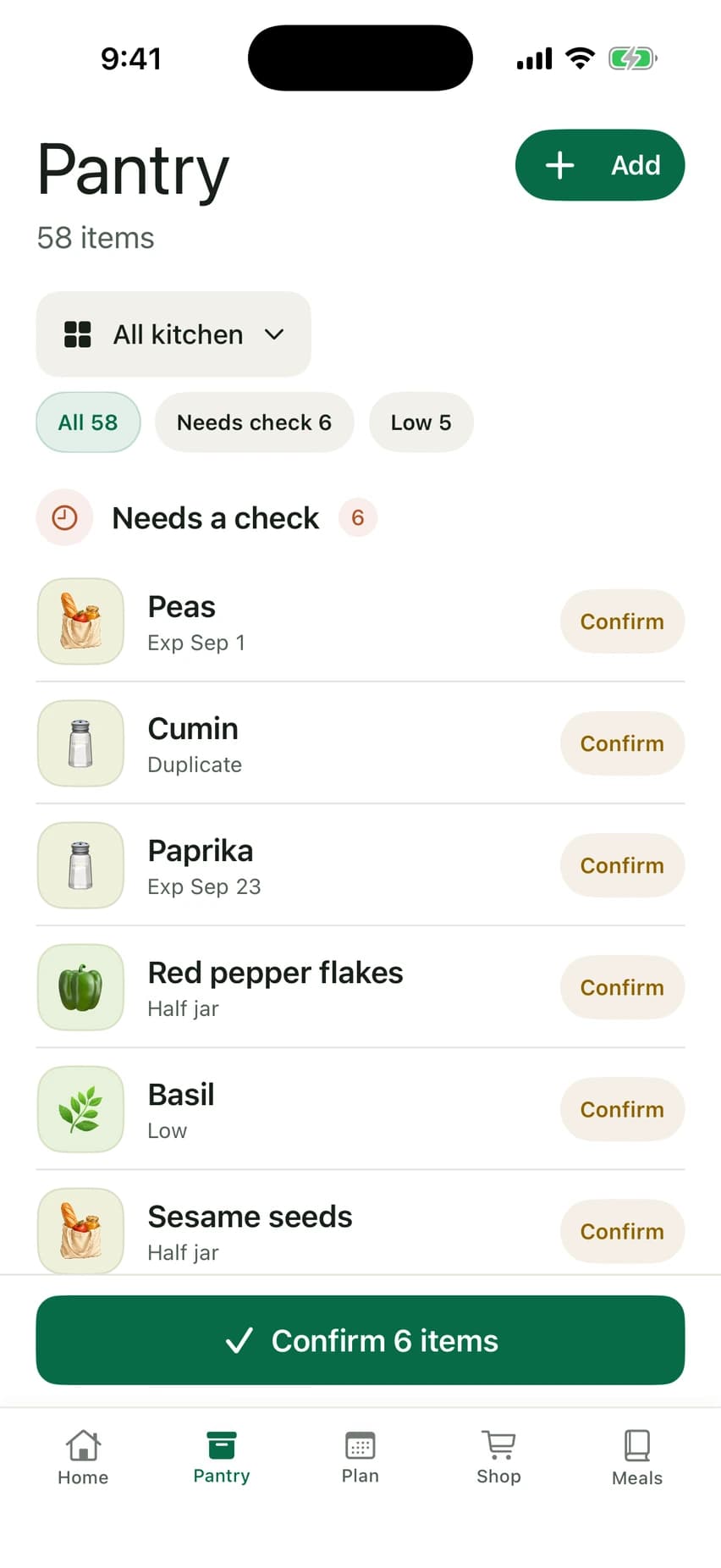
Make room for a better routine
Try your first dinner ideas for free.
Let Flow handle more of the weekly planning.
Free
A simple place to begin.
$5.99
per month, through Apple
Flow is optional and renews monthly. Manage or cancel in your Apple Account settings.
Download for iPhoneBefore you get cooking
No. Start with a few ingredients, or explore dinner ideas first. Add more as you cook and shop. You can review uncertain items when they matter to your meal.
Starter includes a pantry saved on your iPhone, manual ingredient entry, a weekly allowance of fresh dinner ideas, favorites, recipe browsing, and a basic grocery list. You can build a routine without a Flow subscription.
Flow is $5.99 per month through Apple. It adds cross-device pantry sync, photo pantry capture with a monthly allowance, and unlimited pantry-powered planning. Review photo matches before saving them, and keep control of your meals and groceries.
Yes. Pick the meals that work for you, move them around your week, and edit the ingredients on your grocery list.
No. Plan2Cart prepares a focused list, then opens guided retailer searches or product pages. You choose the size and brand, review each item, and confirm what gets added or purchased. Checkout is never automated.
Pantry dates help you plan what to use soon. Review the dates and quantities, and adjust them when needed. They are editable planning estimates, not food-safety guarantees.
Your pantry, meals, and grocery preferences are used to personalize your planning experience. They are not public. You can read the full privacy policy below.
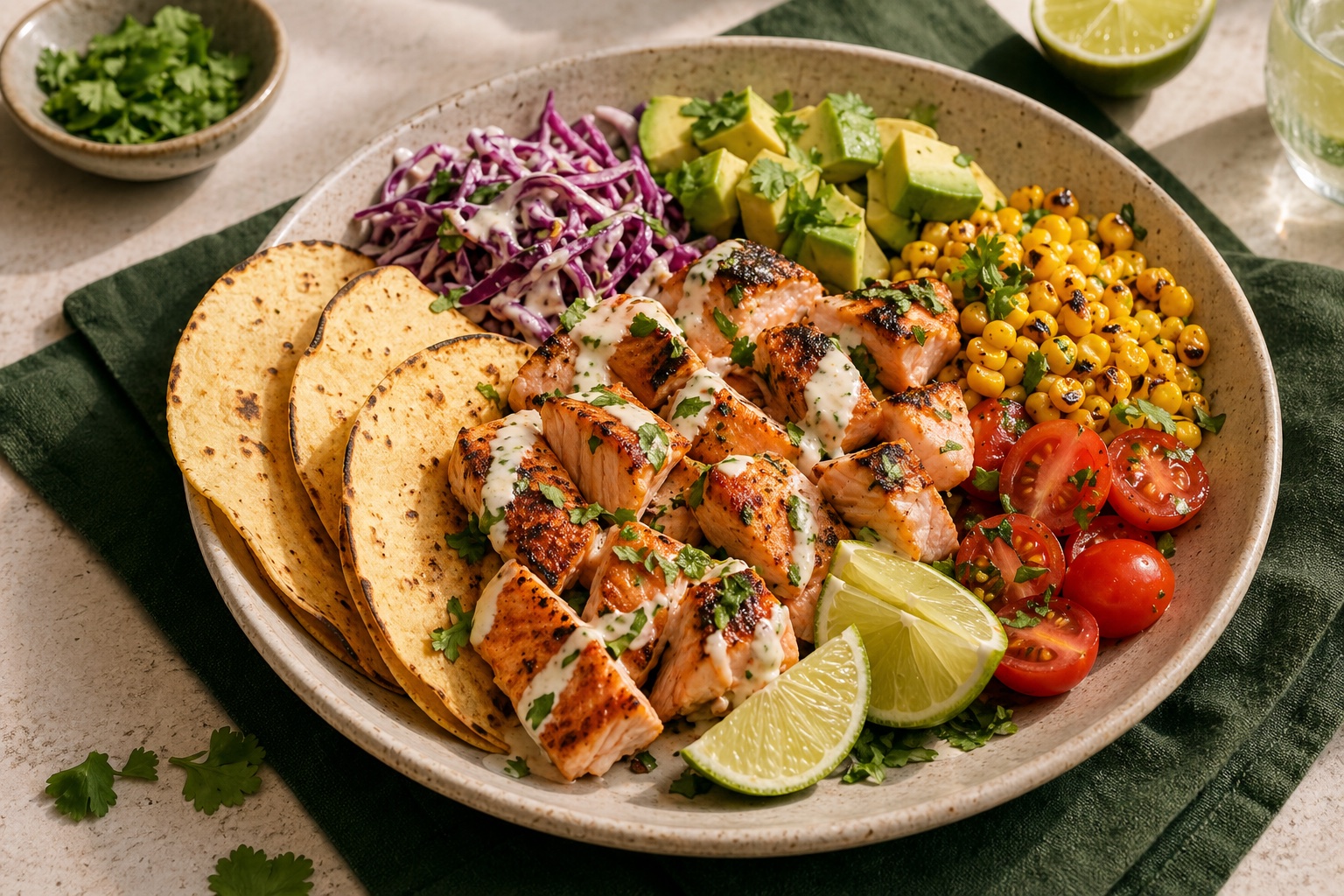
Your next good dinner starts here
Start with a few ingredients.
See what’s possible.
Free to download · Optional Flow subscription